Yes, you can use an eligible digital driver’s license or state identification card at Transportation Security Administration checkpoints with compatible Digital ID equipment. Availability depends on the credential, the wallet or state app, and the individual checkpoint. Bring an acceptable physical ID as well: if TSA cannot verify your Digital ID, or an officer requests another document, you will need a physical credential to complete identity verification.
TSA says Digital ID is available at more than 250 U.S. airports, but that does not mean every checkpoint, lane or terminal can read every type of credential. A Digital ID is a useful option for domestic travel, not a reason to leave your physical driver’s license, state ID or passport at home.
Check that your Digital ID is eligible before traveling
A photo, screenshot, scan or PDF of a driver’s license is not a TSA Digital ID. The credential must be issued through a participating state program or created in an approved digital wallet using an eligible U.S. passport.
- Check the TSA Digital ID page. Confirm that TSA lists both your issuing state and your particular wallet or app. Participating options can include Apple Wallet, Google Wallet, Samsung Wallet and state-issued mobile ID apps, but support differs by state.
- Confirm the departure and return airports. TSA’s airport map is the best starting point, but checkpoint signs are the final guide. A participating airport may have Digital ID readers only at selected checkpoints or lanes.
- Use the credential issued or approved for your state. A mobile driver’s license is not simply an image of your card. It is a digital credential that has been issued and secured through the state program or supported wallet.
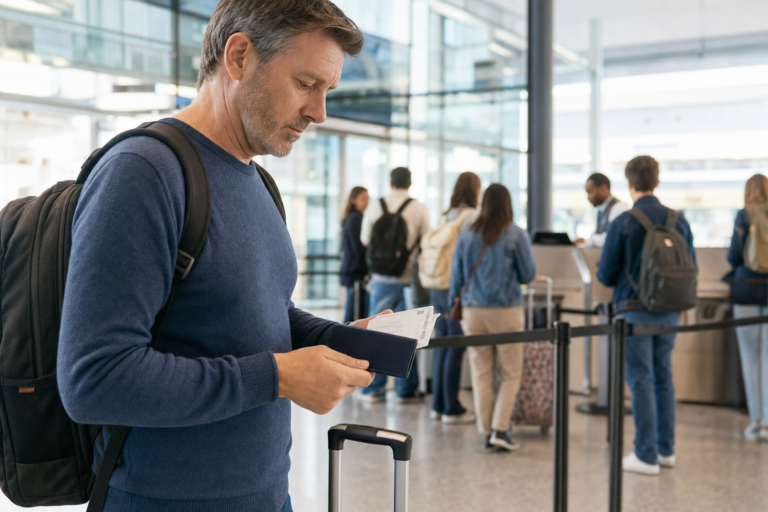
- Bring a physical backup. Carry the physical REAL ID-compliant driver’s license or state ID used to set up the credential, a passport, passport card or another document on TSA’s acceptable-identification list.
- Prepare your device. Charge the phone or watch, install required updates and make sure you can access the credential. If your platform needs Bluetooth, Near Field Communication or an internet connection, enable or test it before leaving for the airport.
REAL ID enforcement began on May 7, 2025. For domestic commercial flights, travelers age 18 and older need a REAL ID-compliant state-issued license or ID, or another TSA-accepted form of identification such as a passport. A digital credential must be one that TSA specifically recognizes; adding an ineligible card to a phone does not make it acceptable at the checkpoint.
How to present a digital driver’s license at TSA
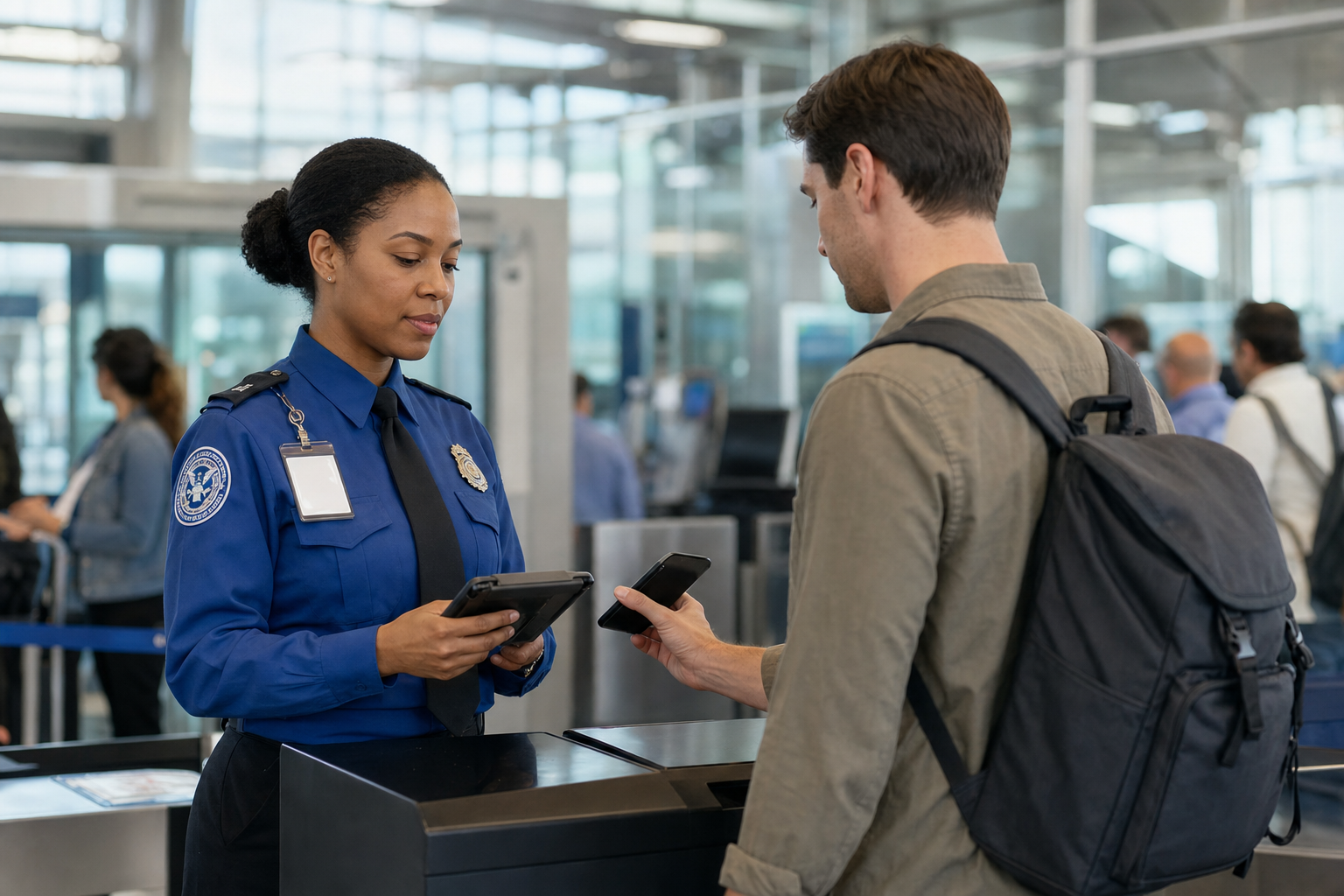
At a compatible checkpoint, follow the signs and the transportation security officer’s instructions. The presentation method depends on the credential and reader, but it generally involves either tapping the device near a reader or scanning a Quick Response, or QR, code.
- Tap to present: Hold the phone or supported watch near the Digital ID reader. The device should show the information requested by TSA before you authorize sharing it.
- Scan a code: Open the approved wallet or state app, select the credential, authenticate on the device and display the QR code when instructed.
Review the request before consenting. Authentication may use Face ID, Touch ID, a fingerprint or the device passcode, depending on the platform. Digital IDs are designed so that the traveler can keep control of the device rather than hand over an unlocked phone, but you should always follow an officer’s instructions.
If you choose to use TSA’s Digital ID process, TSA takes a live photo for facial comparison with the image associated with your physical or digital credential. Participation in TSA’s facial-comparison technology is voluntary. If you do not want to participate, tell the officer and use an available non-biometric identity-verification process instead.
You may still need to show a boarding pass where ticket information is not retrieved automatically. If the reader is unavailable, cannot read your credential or does not complete the identity check, present your physical ID without delaying the line.
Digital licenses and passport based IDs are not the same as Touchless ID
Several services use the term “digital ID,” but they work differently. A mobile driver’s license verifies your identity by sharing information from a state-issued credential. Passport-based IDs use details from a valid U.S. passport. TSA PreCheck Touchless ID is a separate service for eligible TSA PreCheck travelers.
| Option | What it uses | Where it can help |
|---|---|---|
| Mobile driver’s license or state ID | An eligible credential issued through a participating state program | Identity verification at compatible TSA Digital ID checkpoints |
| Passport-based Digital ID or ID pass | A valid U.S. passport and a supported wallet or service | Identity verification at compatible domestic TSA Digital ID checkpoints |
| TSA PreCheck Touchless ID | TSA PreCheck membership, a valid passport and an opt-in through a participating airline or Google Wallet | Dedicated Touchless ID lanes when the boarding pass shows the required indicator |
Apple Digital ID, Google Wallet ID pass and Samsung ID with CLEAR are examples of passport-based Digital ID options. They can be used for identity verification at participating TSA checkpoints for domestic travel. They are not physical passports and cannot be used instead of a passport for international travel or border crossing.
TSA PreCheck Touchless ID is not the same as displaying a mobile driver’s license. It is available at more than 65 airports for eligible TSA PreCheck travelers. To use it, a traveler needs a valid passport and must opt in through a participating airline profile or, when eligible, Google Wallet. The traveler should look for the Touchless ID indicator on the boarding pass before joining a dedicated lane.
Without that indicator, use the ordinary TSA PreCheck or standard screening lane. Enrollment in Touchless ID does not eliminate the need to carry physical identification, because TSA can request it when necessary.
Why you should still carry a physical ID
Digital credentials can be unavailable even when they are valid. A phone can be lost, damaged, locked or out of power. The credential may need an update, the reader may be offline or unavailable, or TSA may direct passengers to a checkpoint without compatible equipment.
If a presentation attempt fails, do not rely on repeated troubleshooting while the line moves. Follow the officer’s directions and present your physical ID. Keep that backup in an accessible pocket of your carry-on or wallet rather than packed inside checked luggage.
Travelers who arrive without an acceptable physical ID have a limited alternative. Since February 1, 2026, TSA ConfirmID has offered an optional identity-verification process for a $45 fee. It can take additional time, and identity verification is not guaranteed. The process is intended for travelers without acceptable identification, not as a substitute for bringing the documents required for travel.
A physical card may also be needed after security. Rental-car companies, hotels, law-enforcement officers and other businesses do not necessarily accept a mobile driver’s license. If you drive to the airport, comply with the physical-license laws that apply where you drive.
Set up and use Digital ID when your credential and checkpoint support it, but travel with a physical backup every time. That approach gives you the convenience of mobile verification without risking a delay or missed flight if the technology cannot be used.
Sources
- Transportation Security Administration Digital ID and Facial Comparison Technology
- Transportation Security Administration TSA PreCheck Touchless ID
- Transportation Security Administration Acceptable Identification at the Checkpoint
- Google Wallet Digital ID information
- Samsung Wallet Digital ID information