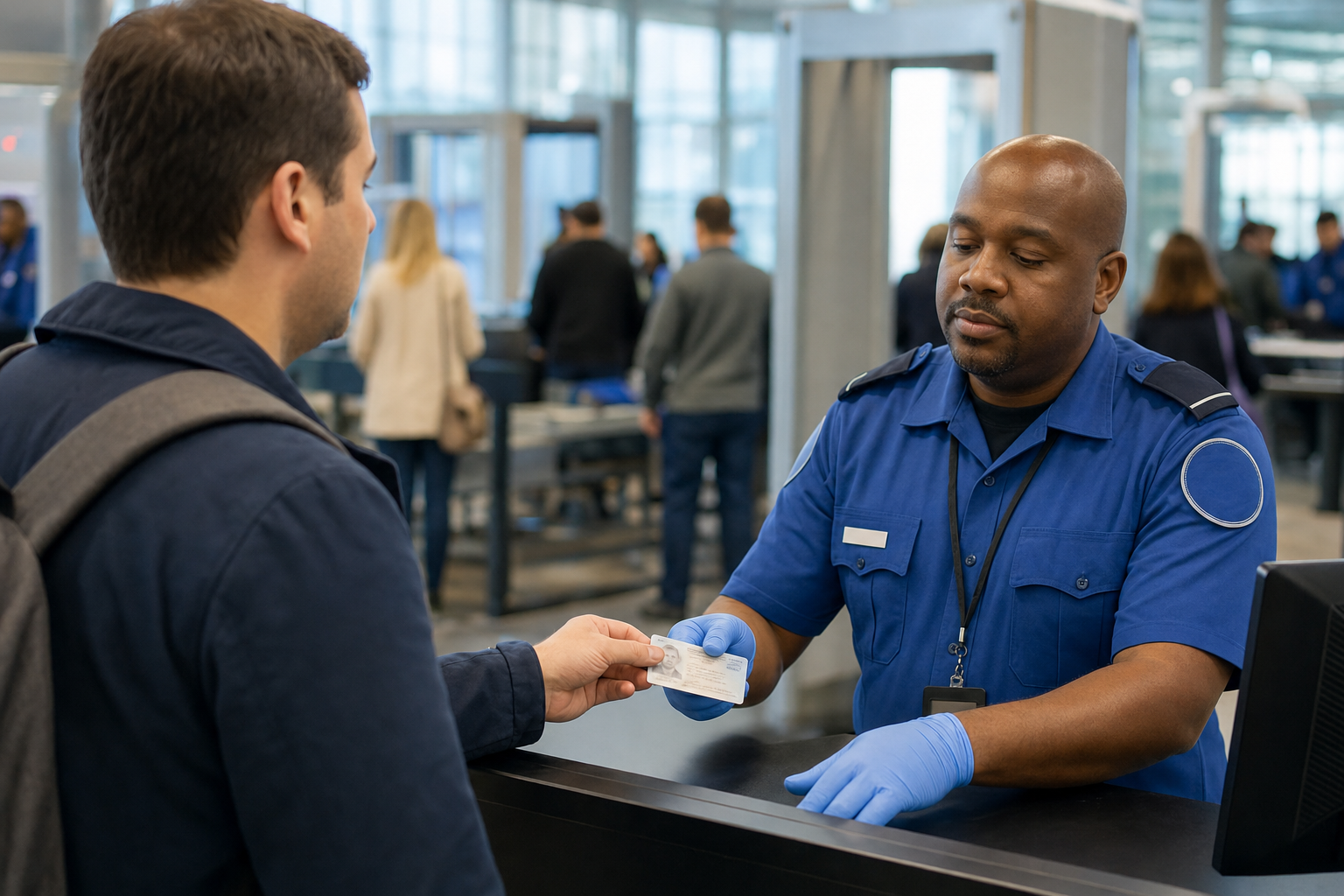
Yes. For a domestic flight, the Transportation Security Administration (TSA) currently accepts an expired identification document for up to two years after its expiration date if the document is on TSA’s acceptable-ID list. This can include a REAL ID-compliant driver’s license, an enhanced driver’s license, a U.S. passport book or card, and other listed credentials. A standard state driver’s license or ID that is not REAL ID-compliant is not an acceptable TSA credential, whether it is current or recently expired. International flights have different document rules.
This guide applies to passengers aged 18 and older at TSA checkpoints for flights within the United States. It was checked on October 10, 2026. TSA says its acceptable-ID list may change without notice, so review it again before you travel.
Check whether your expired ID can work
- Are you flying internationally? If so, use the travel document required by your destination and airline. U.S. citizens generally need a valid passport book for international air travel. An expired passport does not meet that requirement, and a passport card cannot be used for international flights.
- Are you flying within the United States? Identify the physical document you intend to show at the TSA checkpoint.
- Is it on TSA’s acceptable-ID list? If it is, TSA says it may accept the document for up to two years after its expiration date.
- Will it be less than two years beyond its expiration date when you go through security? If yes, it is within TSA’s stated expired-ID allowance. If it is more than two years expired, bring another acceptable ID or consider TSA ConfirmID.
- Is it a non-REAL-ID state license or ID? It is not an acceptable TSA identification document, even if it is current. Bring another acceptable document or use the available identity-verification option.
Check the dates for both directions of a round trip. A document that is within the allowance for the outbound flight could be more than two years expired by the time you return.
Expired documents TSA may accept for domestic screening
| Document type | Domestic TSA screening | Important condition |
|---|---|---|
| REAL ID-compliant driver’s license or state ID | May be accepted for up to two years after expiration | It must be a REAL ID-compliant credential issued by the state |
| State-issued enhanced driver’s license or enhanced ID | May be accepted for up to two years after expiration | It must be an enhanced state credential |
| U.S. passport book | May be accepted for up to two years after expiration | This applies to domestic TSA screening, not international travel |
| U.S. passport card | May be accepted for up to two years after expiration | It cannot be used for international air travel |
| Other credentials on TSA’s acceptable-ID list | May be covered by the same two-year policy | Confirm that the specific document appears on TSA’s current list |
| Standard non-REAL-ID state license or ID | Not an acceptable TSA credential | REAL ID enforcement began on May 7, 2025 |
The important distinction is whether the document is on TSA’s acceptable-ID list. TSA’s policy applies to expired versions of the listed forms of identification, not only to passports and REAL ID cards. A document that has been reported lost or stolen, cancelled, altered or otherwise invalidated should not be relied on as an acceptable ID.
Since May 7, 2025, state-issued driver’s licenses and IDs that do not comply with REAL ID standards have not been accepted as valid identification at TSA checkpoints. A recent expiration date does not override that rule. A REAL ID-compliant state credential commonly has a star, while enhanced licenses and IDs use state-specific designs. If you are unsure which credential you have, check with the motor vehicle agency that issued it.
A temporary paper driver’s license is not on TSA’s acceptable-ID list. See the separate guide to flying with a temporary paper license if your permanent card has not arrived. Digital identification is available only through participating programs and locations, so do not assume that a wallet app can replace a physical document. Check the current rules for using a digital driver’s license at TSA checkpoints.
How to apply the two-year rule
Start with the expiration date printed on the document. TSA says it accepts listed identification for up to two years after expiration. Because an airport checkpoint is not the place to test a date at the limit, use another accepted document if your trip falls on or very close to the second anniversary.
- Example one: A REAL ID license expired on November 25, 2024. A domestic flight on November 24, 2026 is within the stated two-year period. A flight on November 26, 2026 is beyond it.
- Example two: A passport card expired on December 20, 2024. A domestic flight on December 19, 2026 is within the stated period. It should not be used as the only ID for a December 21, 2026 flight.
- Example three: A passport book expired on October 1, 2025. It remains within TSA’s two-year allowance for domestic screening during the 2026 Thanksgiving and Christmas travel periods.
- Round-trip example: If a qualifying document reaches its second anniversary in late December 2026, do not assume it will cover a return flight after that date. Bring another acceptable ID for the whole trip.
This allowance concerns TSA identity screening for domestic travel only. It does not renew the document, restore driving privileges or make an expired passport valid for entry into another country.
For international air travel, check the requirements of your destination, transit countries and airline before departure. Some destinations require a passport to remain valid for at least six months beyond the trip, while others apply different validity rules. A U.S. passport card is valid for certain land and sea travel but not for international travel by air.
What to do if your expired ID will not work
The best option is to bring another document from TSA’s current acceptable-ID list. Common alternatives include a U.S. passport book or card, a Department of Homeland Security trusted traveler card, a Department of Defense ID, a permanent resident card, a federally recognized Tribal Nation photo ID, a Transportation Worker Identification Credential, an Employment Authorization Document, a Veteran Health Identification Card or a foreign government-issued passport.
A Social Security card, birth certificate, ordinary photocopy or photograph of an ID is not listed as a standalone TSA checkpoint credential. Bring a listed document whenever possible rather than expecting several secondary documents to replace one acceptable ID.
If you do not have acceptable identification, TSA offers TSA ConfirmID for travelers aged 18 and older. The current fee is $45 per traveler. Payment is nonrefundable, and it is valid for ten days from the travel start date entered during payment. Each adult without acceptable ID must complete the process separately and should bring an electronic or printed payment receipt when traveling during that ten-day period.
ConfirmID is a fallback, not guaranteed entry. TSA will attempt to verify your identity and may ask for information such as your name and current address. If TSA confirms your identity, you may enter the checkpoint but can receive additional screening or experience delays. TSA may deny checkpoint entry if it cannot verify your identity or if you decline to cooperate. Payment does not guarantee identity verification, passage through security or that you will make your flight.
Complete the online payment carefully, using your legal name and the correct travel start date, and allow extra time at the airport. For further detail, read how TSA ConfirmID works without acceptable identification.
If there is time before departure, replacing or renewing the document is more dependable than relying on identity verification. For a domestic trip, look first for a current passport card, passport book or another accepted credential. For an international trip, resolve the passport issue before going to the airport and check the destination’s entry requirements.